
Room entitysets

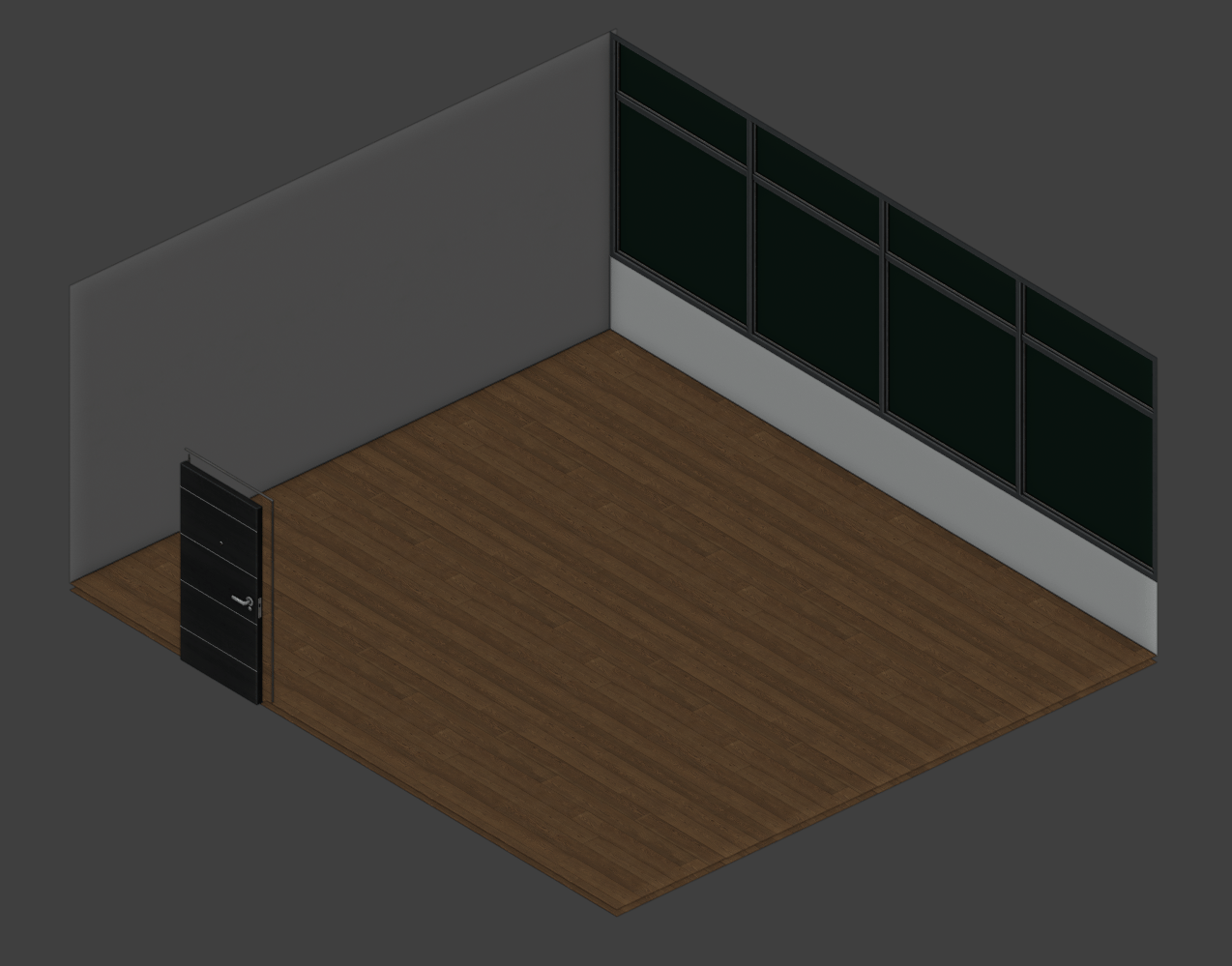
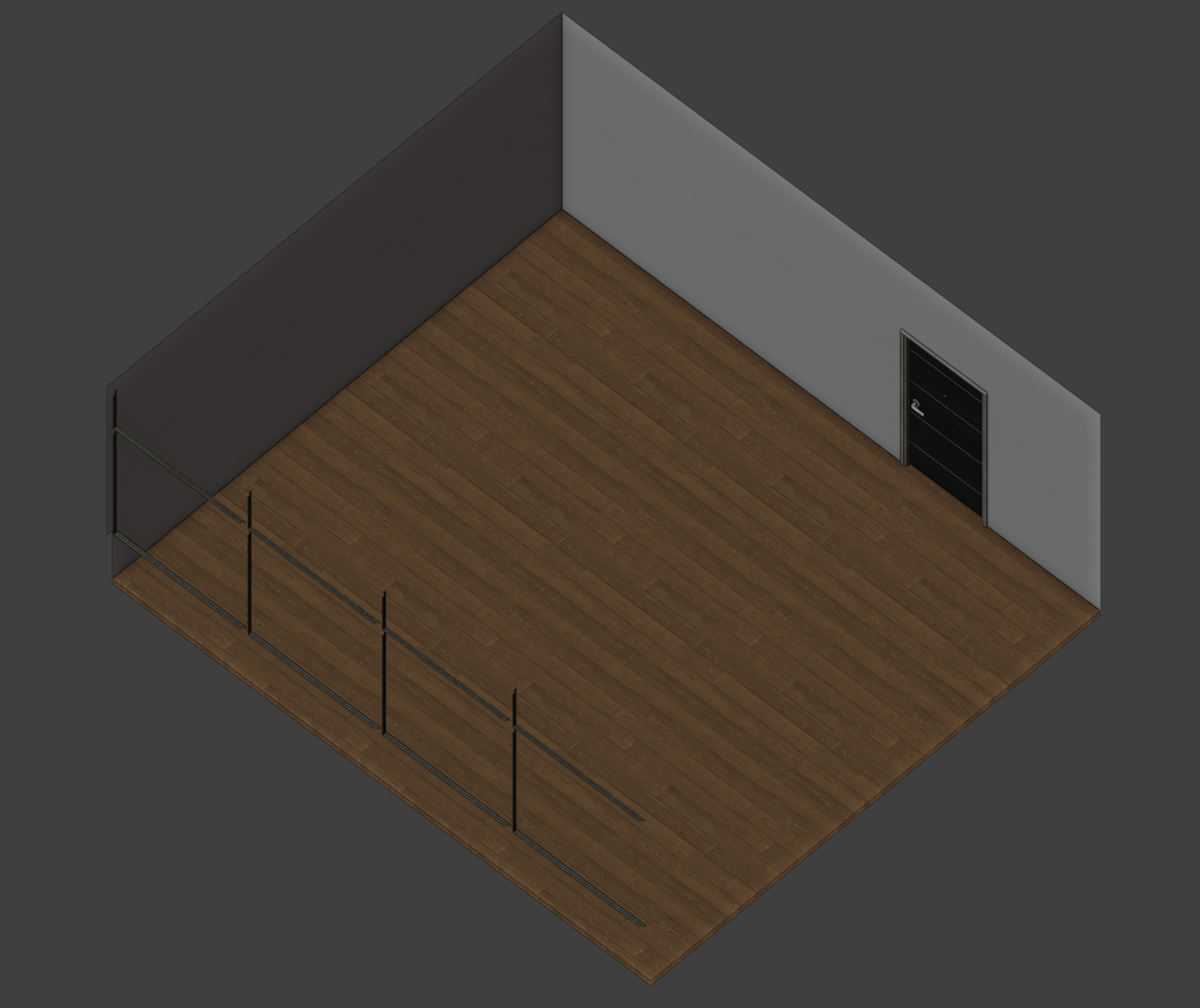
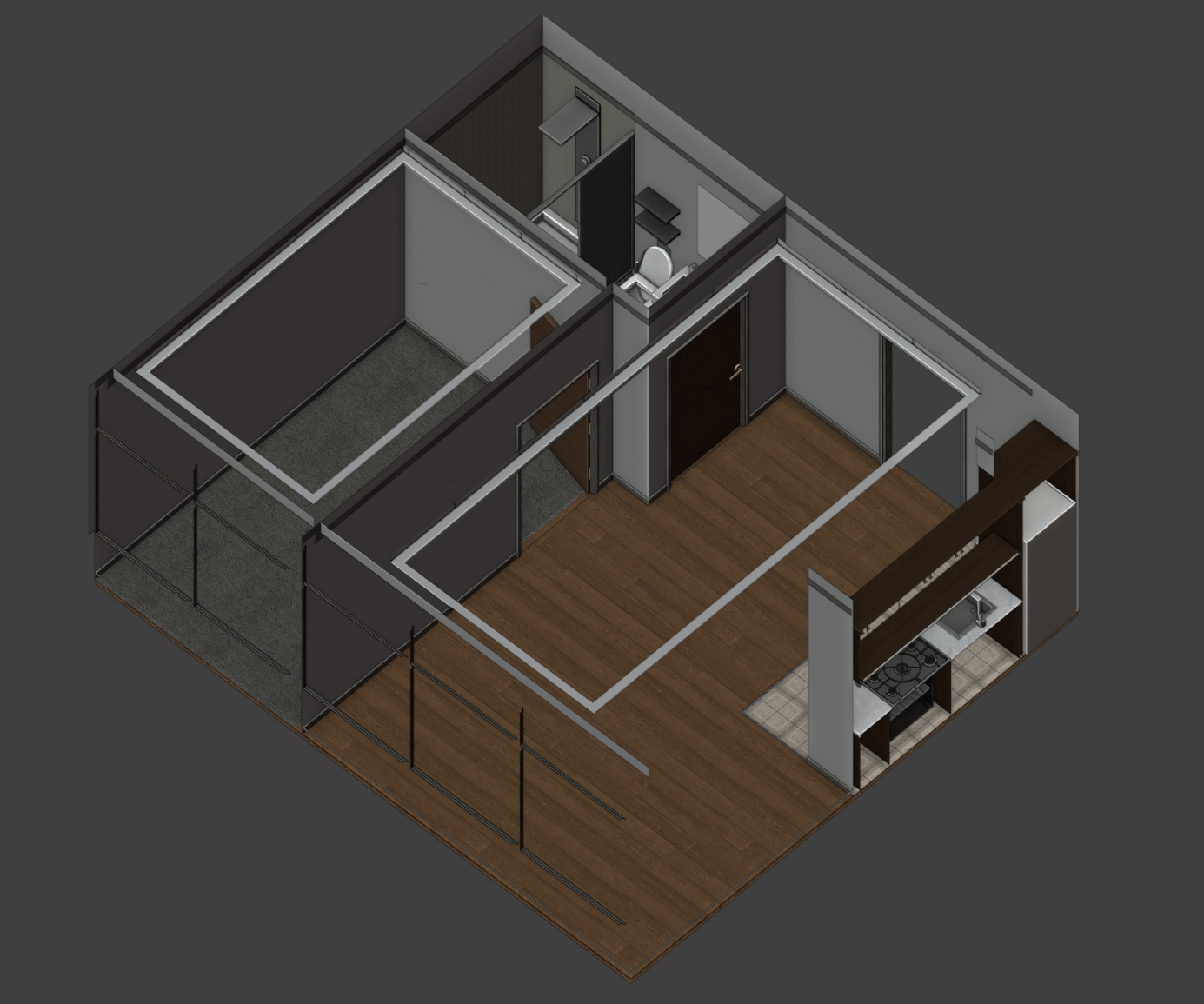
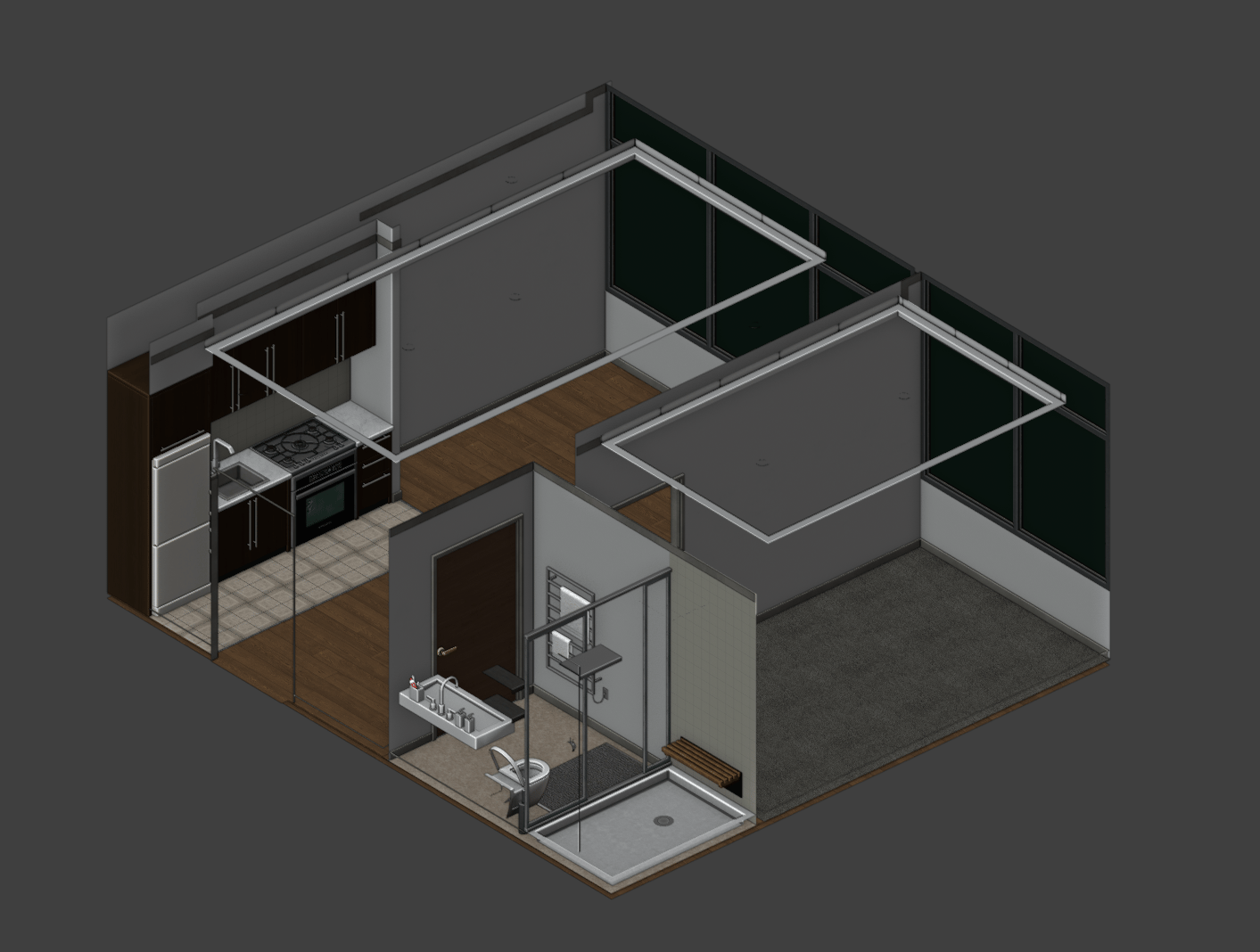
Each floor can be customized to have one set of room entitysets. For example, you can have floor 2 set as ‘empty’ and floor 3 set as ‘basic’. You’ll find the preview of each entityset below.

Empty

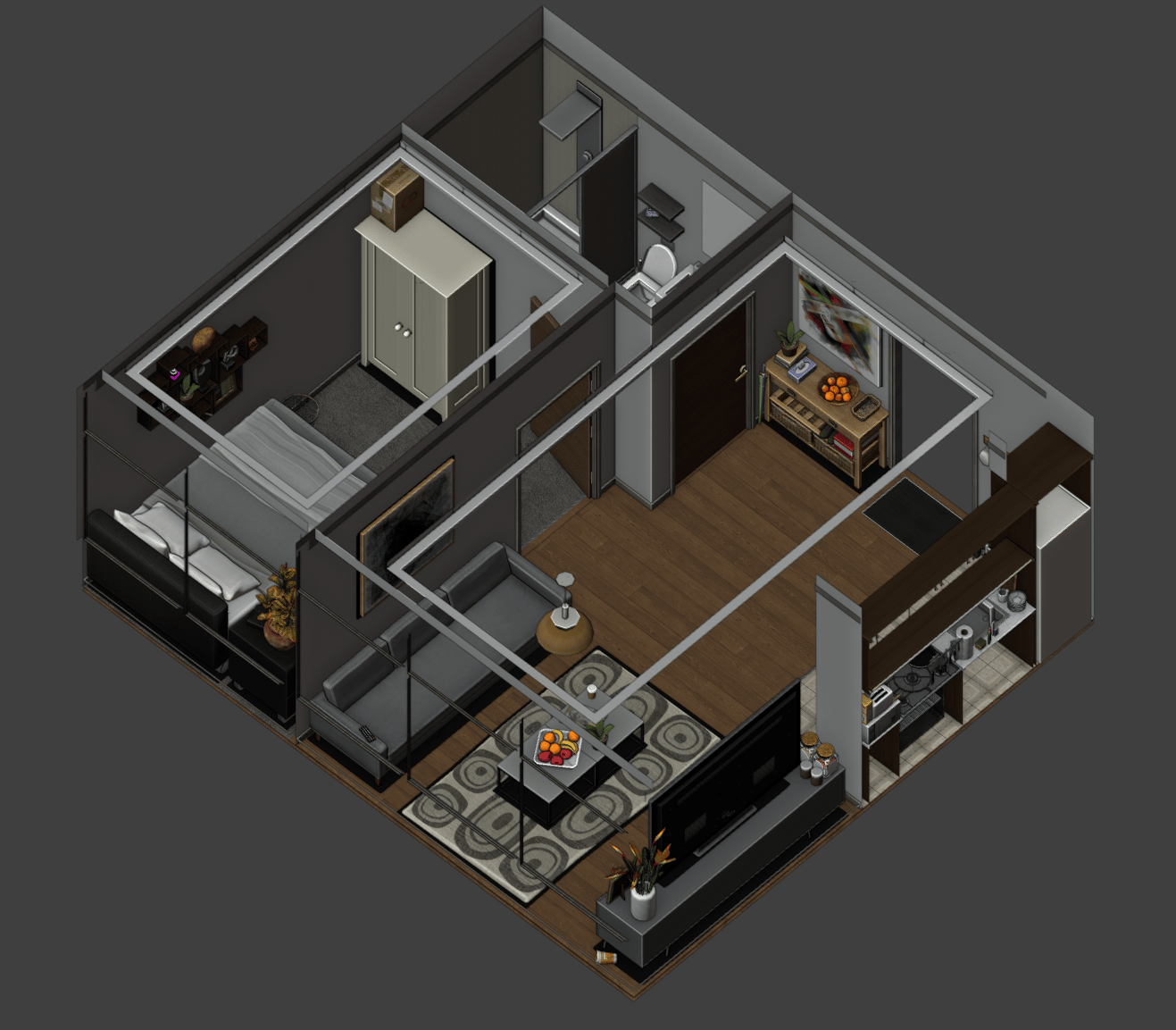
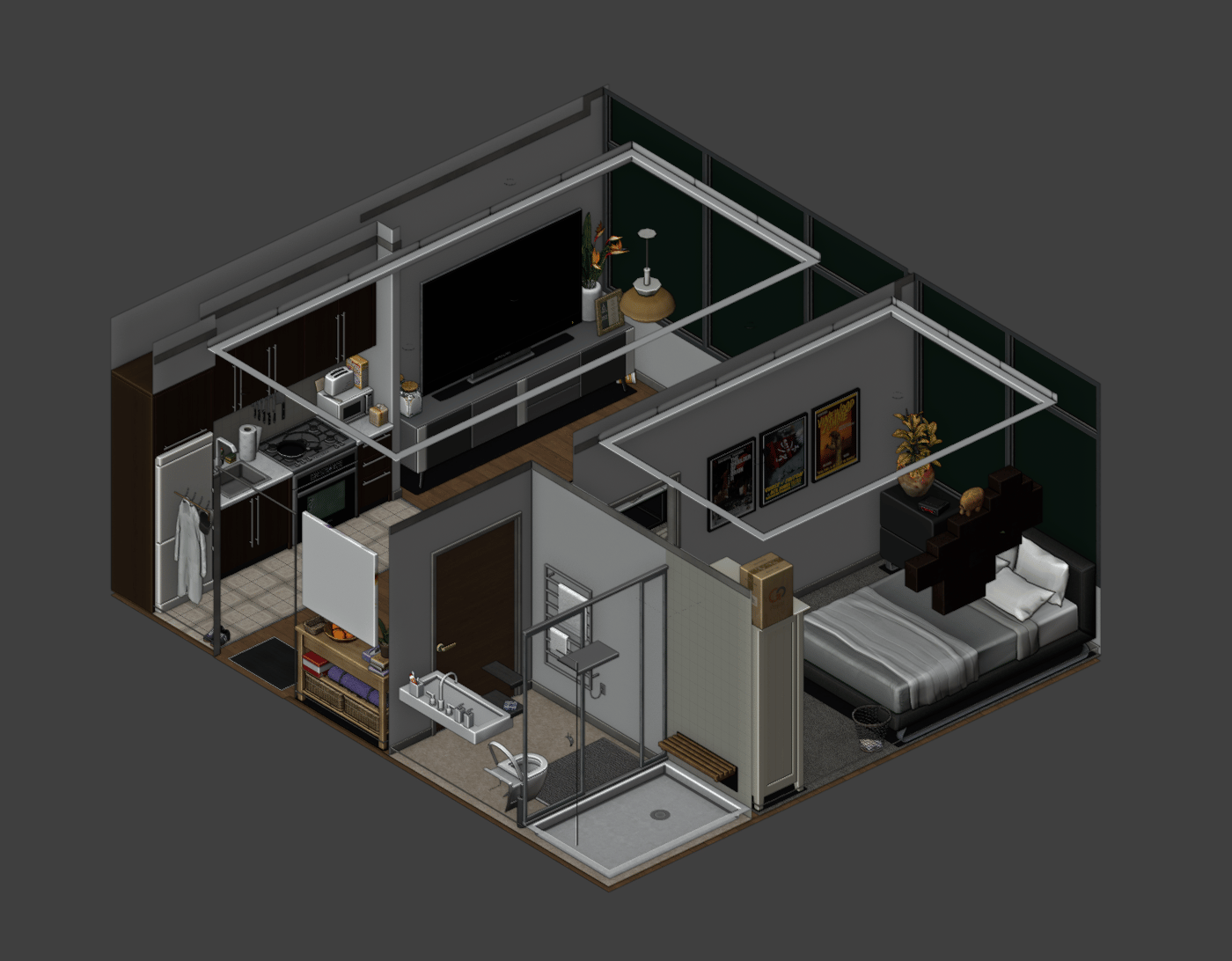
The ‘empty’ entityset is an apartment with no furniture or appliances, just the basic shell, letting the players choose what each of their rooms should look like. Empty1 Empty2 The basic entityset is an apartment with room dividers, ready to move in and furnish. Basic2 Basic1
Full

The ‘full’ entityset is a fully furnished apartment, ready to live in. Full2 Full1
How to configure

The resource comes with the following config file ‘config.lua’. This allows you to configure each room’s entityset based on floors. Below is the default ‘config.lua’ that comes with the resource.
Config = {}

-- Set to true to see debug prints in F8. Default is false.
Config.Debug = false

Config.FloorModes = {
  [1] = 'full', -- floor 1 is configured to have the rooms set as 'full'
  [2] = 'full',
  [3] = 'full',
  [4] = 'full',
  [5] = 'basic', -- floor 5 is configured to have the rooms set as 'basic'
  [6] = 'basic',
  [7] = 'basic',
  [8] = 'empty', -- floor 8 is configured to have the rooms set as 'empty'
  [9] = 'empty',
  [10] = 'empty',
}

return Config

Support

If you have any questions or need help, visit our discord.