> ## Documentation Index
> Fetch the complete documentation index at: https://docs.zydrec.com/llms.txt
> Use this file to discover all available pages before exploring further.
# Billboards
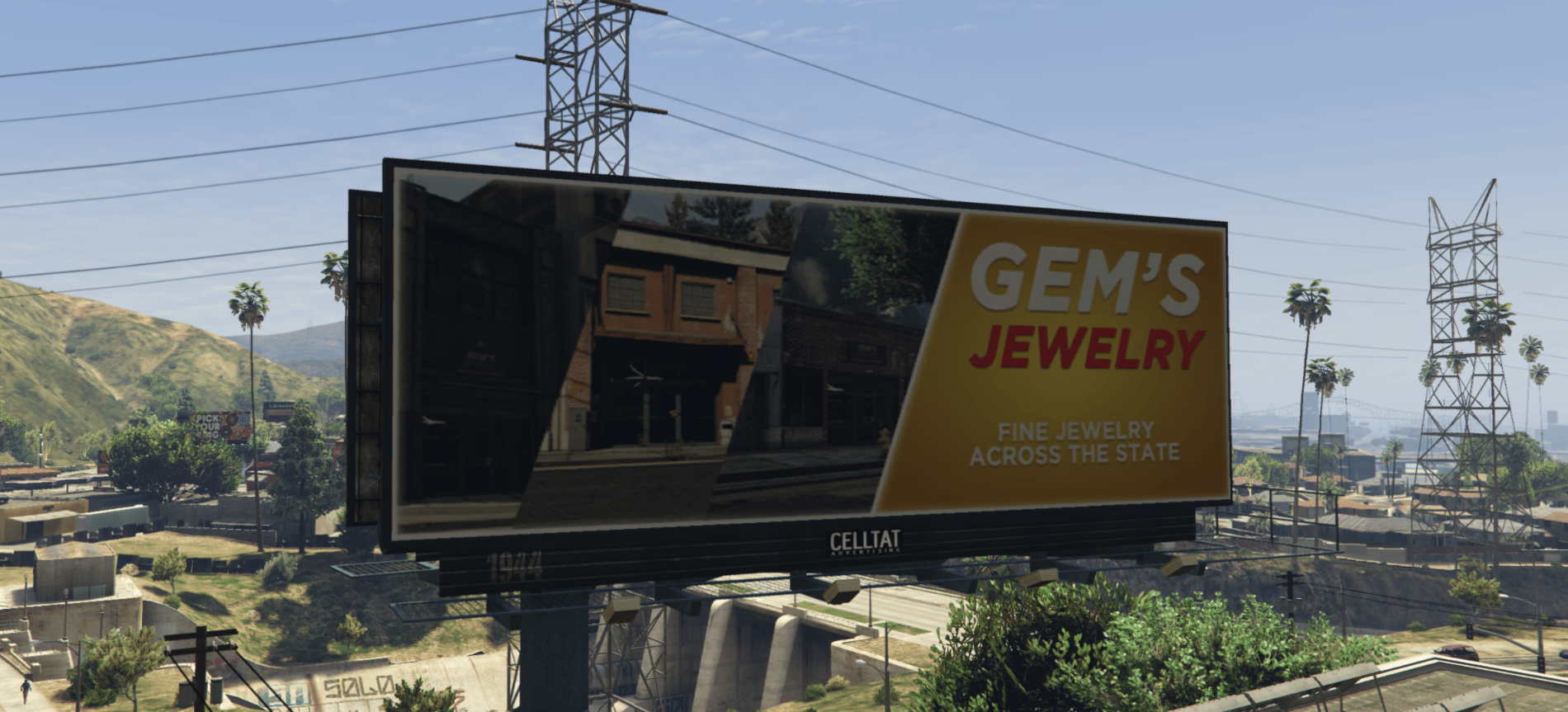
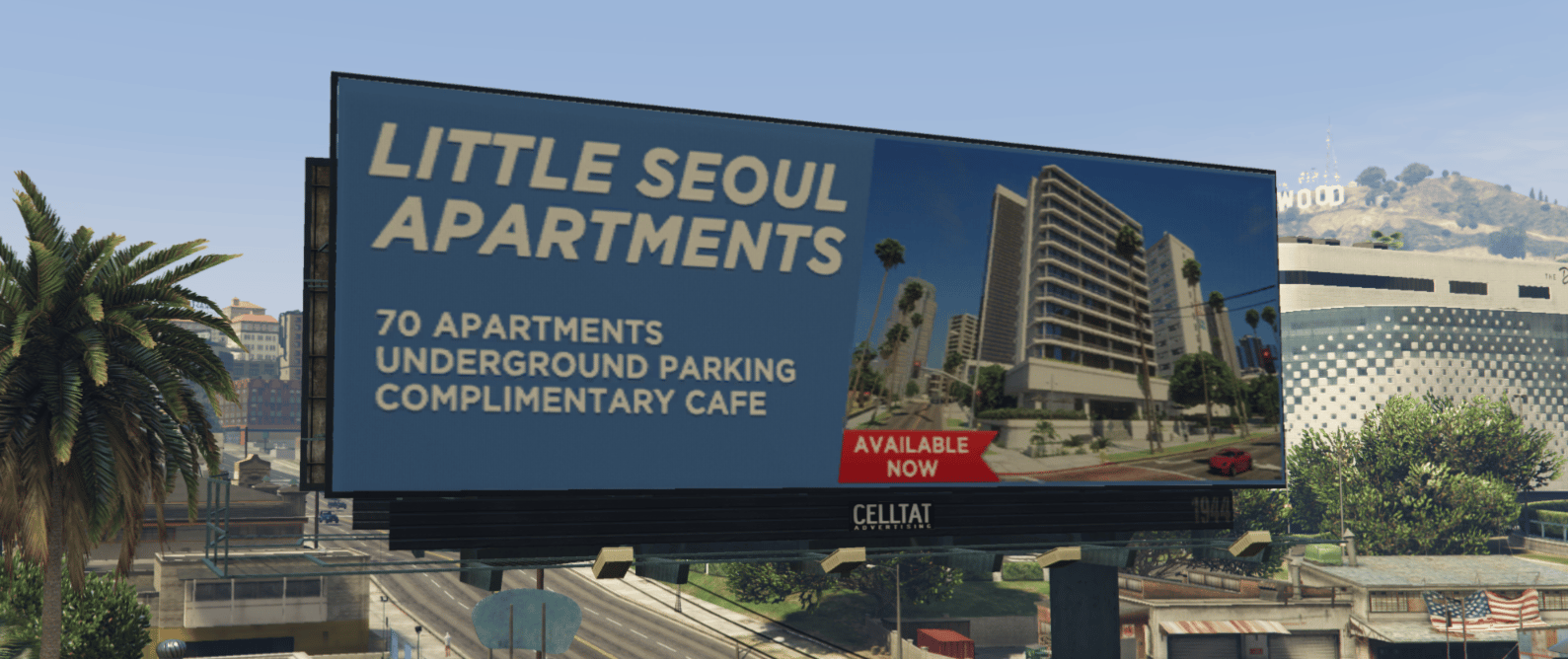
This asset delivers custom billboards that you can easily remove if you wish to do so.
hi icedog!
 # How to customize the billboards
You can easily customize the billboards by editing the following texture dictionary (.ytd).
`zydrec-starlitemotel\stream\billboard_advertisement\zydrec_sm_ext_txd_billboard.ytd`
# how to remove the custom billboards
Simply delete the follow `billboard_advertisement` located in `starlitemotel\stream` and you'll be good to go.
# How to customize the billboards
You can easily customize the billboards by editing the following texture dictionary (.ytd).
`zydrec-starlitemotel\stream\billboard_advertisement\zydrec_sm_ext_txd_billboard.ytd`
# how to remove the custom billboards
Simply delete the follow `billboard_advertisement` located in `starlitemotel\stream` and you'll be good to go.